














Qrew EXCLUSIVE: 50% Off Camp Quickbase 🏕️
Community categories
Recently active
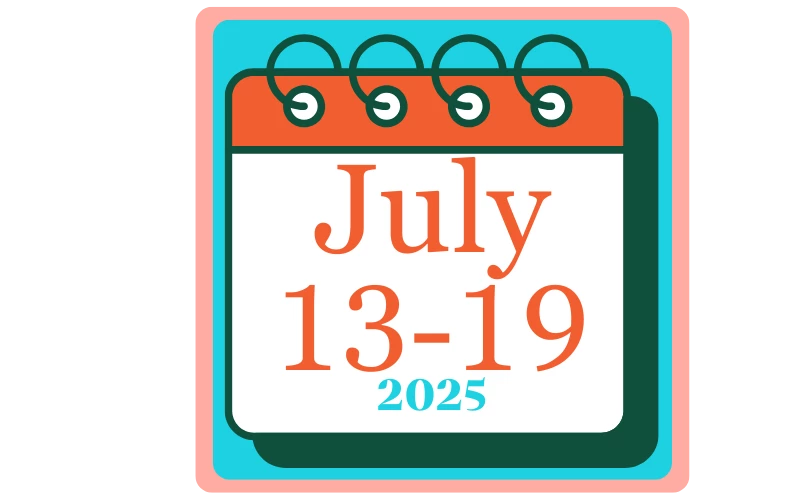
Hey Qrew! No Qrew meetups this week, but we’ve got plenty of events and activities to take part in. Here is what’s happening in the Quickbase universe this week: 📅 This Week’s Highlights 📅 No Office Hours with Sam Trachy this Monday-Wednesday. He will return Thursday 7/17 and Friday 7/18. Quickbase University Office hours on M-F this week 12-1pm EDT to answer questions about the Quickbase University experience. Click the Office hours link above to ask questions and the university link to check out the new experience. FastField Office Hours M,W,F at 2pm EST ⭐Feature Focus Webinar ⭐Topic: Connecting Your Team and External StakeholdersWhen: Thursday, July 17 at 1pm ET Discover new ways to streamline collaboration between your internal teams and outside partners. Register today! If you prefer reading, check out Wes McAda’s recent blog post on the Qrew community site, and chat with fellow Qrew members in the discussion or Di
Hi all. I'm trying to find a way (either using a formula or in Pipelines) to join a multi-line text field to a single line.Use case: The multi-line text field will contain text that will go to the JSON request body of an API call in Pipelines, so the field needs to be converted to a single line. The field has to a multi-line text field, because values can contain several paragraphs and app users can easily customize it.Thanks!
I have field where users can enter data and divide them by using Enter: XXXXXX YYYYYY For another field summary I would like to convert this way of entering into:{XXXXXX; YYYYYY}I was thinking to use formula "SearchAndReplace" but I am not sure what to enter in Search for?: SearchAndReplace([1-Step feeder(s) - after AltBOM],"?????","; ") In excel I would search for Char(10) but how to find "Enter" in QuickBase?I tried to Trim, but does not work.I tried to use in formula enter but after save it is converted to "/n "Any ideas how to search and replace "ENTER" between numbers? There might be more then 1 enter.------------------------------Adam Krzyzanek------------------------------
I am using a staging table to compare a .CSV import to a bunch of live data.I have maybe 50 fields to compare and I am trying to check a few thousand records regularly and just flag the fields that have changed.This is typically pretty straightforward as they are text fields and using a List function and a bunch of if statements, I can easily display the field names when Live Field A <> Import Field A.My issue is lots of text fields are appearing as not equal, though they look the same when displaying them. I have used the tricks I know to tidy up hidden characters...var text A = SearchAndReplace([Live Field A],"\n"," ");var text C = SearchAndReplace($B,"<br>"," ");Trim(Upper($B))This removes next line and carriage returns and makes all uppercase and trims extra spaces. I apply this to both fields, they have the same length of characters, look identical, even copy/pasting them to Notepad++ and turning on hidden characters they look the same but ac
I would like to create a formula text field that replaces all carriage returns in another multi-line field with a comma or period or some other delimiter. Is there a way to do this?Thanks in advance.
Hello, I have searched for this subject and found 1 post with 0 responses. I'm pulling in info from QB using Power Query, a Multi-line text field is not pulling at all when there are multiple lines created using a carriage return / line feed. Is there a function similar to CLEAN (instead of TRIM)? or how can I replace the non visible carriage return using another text formula field (without taking the table down clean it and re-uploading) thanks,------------------------------Ayman Hanash------------------------------
Looking for assistance to help figure out why my formula isn't working as expected.Setup:Rental Rates table: used to capture the Daily, Weekly, and Monthly rental amounts for Assets. There is a lookup field to select the related asset (FID 12). There is a number field to enter the Rental Year Coverage (FID 14). There is a currency field to capture the Rental Rate (FID 8)Rentals table: used to capture the individual rentals for specific assets. There is a lookup field to select the related asset (FID 6). There is a number field to enter the Rental Year (FID 20).In my Rentals table I have a formula-numeric field and need to find the Rental Rate (Rental Rate table FID 8) IF the related asset (Rental table FID 6) equals the related asset (Rental Rates table FID 12) AND the Rental Year (Rental table FID 20) equals Rental Year Coverage (Rental Rates table FID 14).I found various posts and put together the following formula:GetFieldValues(GetRecords("{12.EX.'"&[Related Asset]&" '}AND{
Hi all! I've had an app built for years that houses my internship program data. It sends out an open notification to internship supervisors to evaluate our students' performance near the end of their internship. The notification contains a link that takes them into the app to complete a form which pulls goal data from the student's workplan to be evaluated on. It last worked properly (was completed by a supervisor) on 7/6). This week, particularly the last 2 days, my team started getting emails saying the link shows them the form for about a second, gives an error code, and takes them to a log in page. Supervisors have never needed to log in before. Just click the link and they access the form.I'm not super savvy at Quickbase - any ideas on what happened/broke?
If this topic has been discussed and there are well known solutions to this topic - I apologize. I didn't come across any before I came up with the solution below.Background:I was working on a request from my team to build out some functionality that required a lot of check boxes. I didn't want to take a lot of time building a custom form to ensure that the checkbox data was stored with a row for each box. There are 28 checkboxes representing various issues (oil leak, lights, forklift forks, etc). While not totally necessary, I did hope I could somehow un-pivot these columns into a table where only issues that were checked had a record.TLDR;Using fetch JSON and the Quickbase API, you're creating a list of field ids that you want to unpivot and then for each record in a second set of JSON data, you are looping through that field list and creating a new single record in a 2nd table with the values you are unpivoting as well as any other data you wish to repeat in each new row. 
Are there any tips out there of how to let a user sign in without the Quickbase branding screen. I have a situation where customers will be logging into a supplier Quickbase app, with proper userids. But we want to suppress all the Quickbase branding on that page. ------------------------------Mark Shnier (YQC)Quick Base Solution ProviderYour Quick Base Coachhttp://QuickBaseCoach.commark.shnier@gmail.com------------------------------
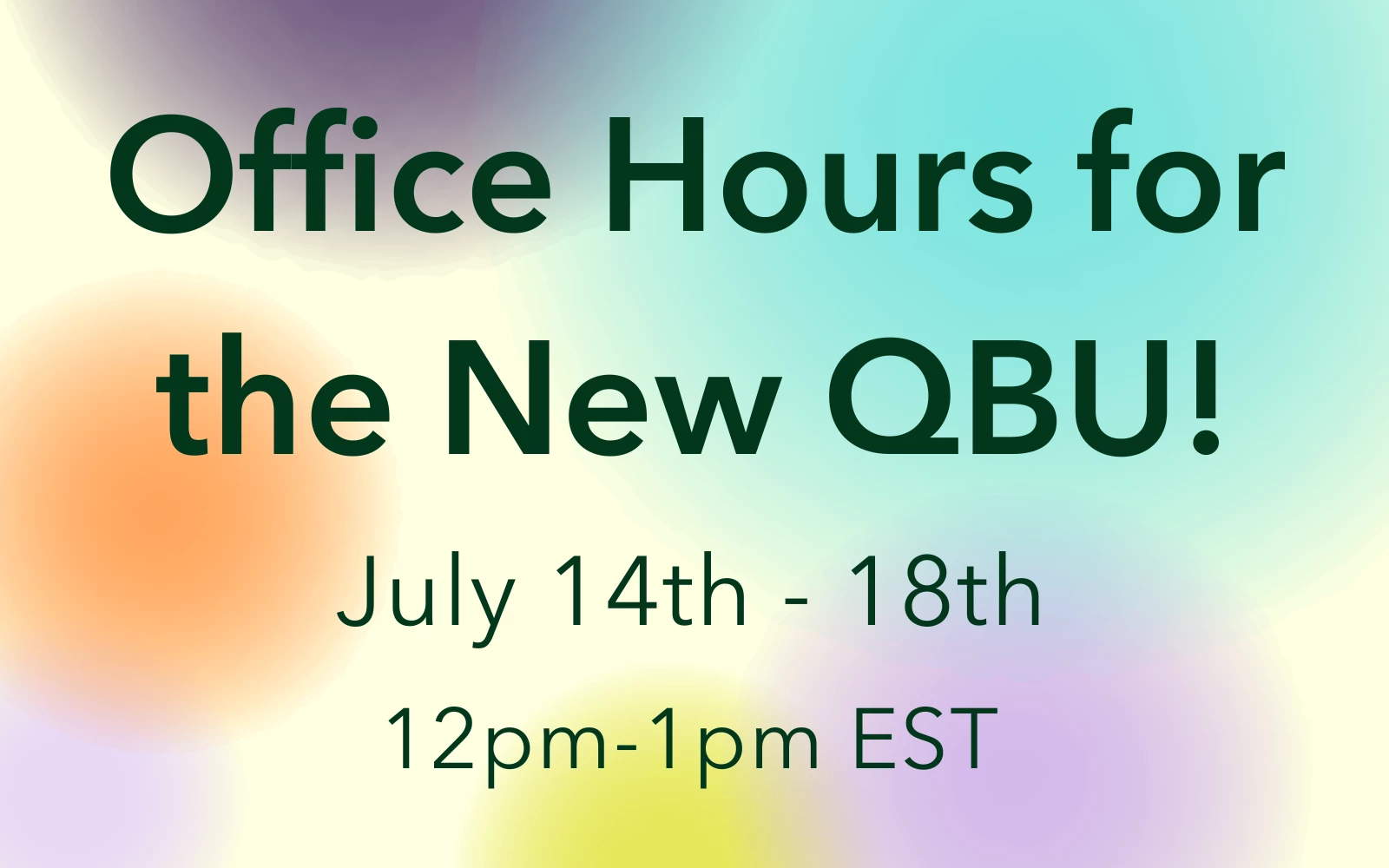
As we transition to our new QBU user experience we haven't forgotten you, the user! If you run into any hiccups or friction with this change we're here for you! Office Hours will be available for the New QBU, July 14th through July 18th, from 12pm-1pm. To attend office hours, click here and join a call with a member of our Customer Education team.
The Qrew is excited to bring voices from our Community into our blog. As both a current customer and former Quickbase staff member, Wes McAda is a long-time member of The Quickbase Qrew. If you have an interesting take or perspective on what's taking place in Tech today, and you are interested in writing a blog like the one below, please email Ben Simon at bsimon@quickbase.com. There are many AI tools and uses to consider nowadays. There is talk about it making many jobs, from artists to software developers, redundant. As a professional developer and an occasional artist, I have used AI for both.For example, my goofy, dad-joke loving side gets a kick out of this image: As a Florida State alum and football fan, and lover of both artiodactyls and beer, just “Yay!”. It is an FSU Efes Ewe, but I capriciously digress. I guess I could have paid an artist to render this, but I probably would not have spent the money on it. AI made this silliness accessible. AI also makes higher
I am trying to have a button from a button bar on the Dashboard open up a PDF. What is the best way to achieve this?
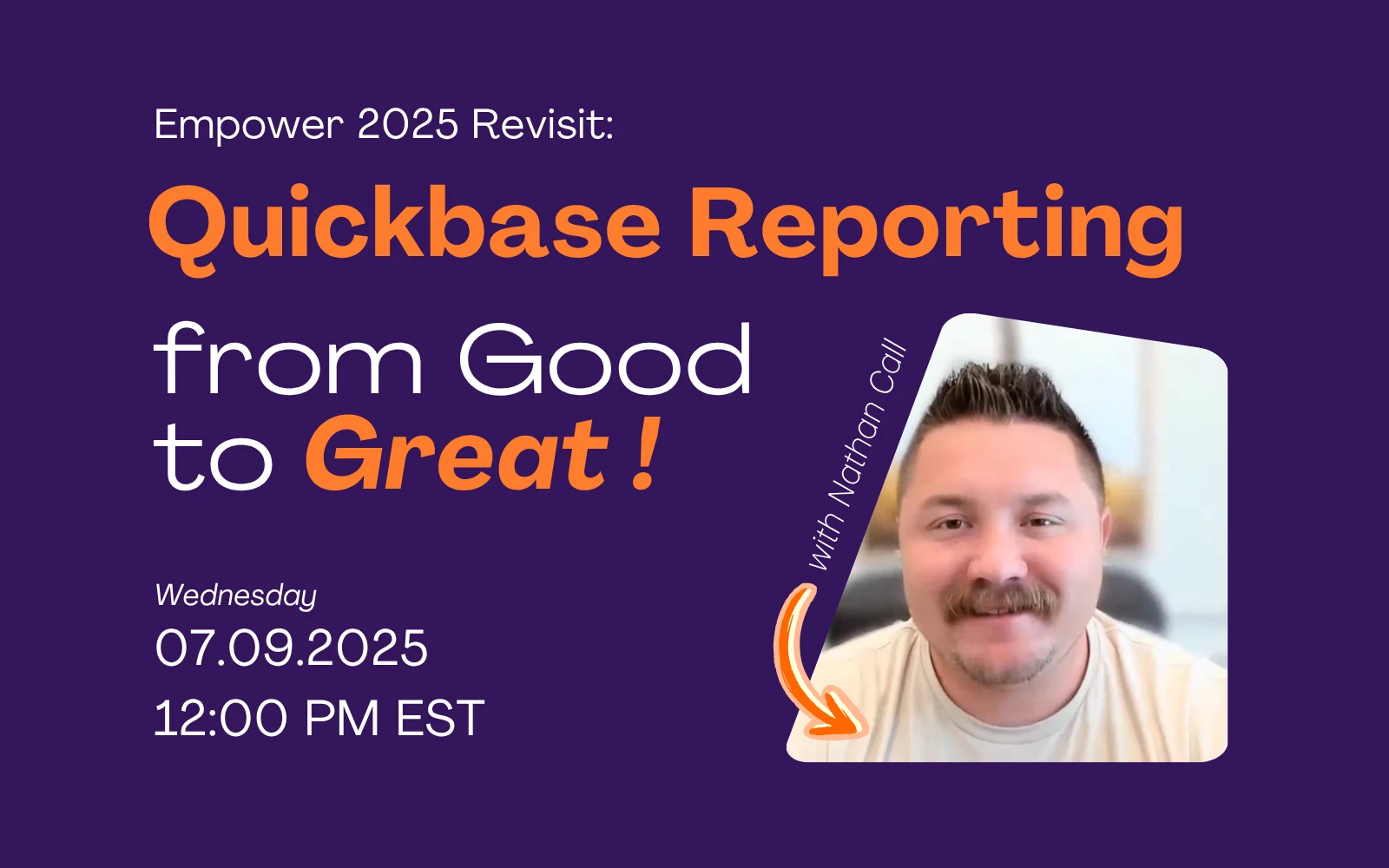
Hi Folks! A friendly reminder that there is not App Builders Qrew Meetup today. Our next Qrew Meetup is tomorrow Wednesday July 9th at 12pm est. General Qrew Meet Up: From Good to Great – Unlocking the Power of Reports (July 9, 12–1 PM EDT) Join Nathan Call as he shares pro tips on turning basic app data into visually engaging reports that drive smarter business decisions. Perfect for anyone looking to level up their reporting game. Here's the link to join our session tomorrow: https://quickbase.zoom.us/meeting/register/JW5Luqc_Ruqn3b7u0Hvdbw Thanks and we'll see you there!
Hi everyone! I wanted to give you an update from the Code Pages Qrew Meetup: All 4 videos of code page examples from our speakers are now included in the Code pages folder. Here's a quick recap of what they covered in the meeting and here's the folder to watch the videos: Code Page Example Showcase by Elvis Agyemang: Elvis showed off a personalized homepage and a world clock, both built in minutes using ChatGPT—proof you can spin up cool tools fast. Tips: Use AI like ChatGPT to draft code page widgets or dashboards when you’re short on time. Process Messaging & Pipelines by Eric Mohlman: Eric demoed a code page that gives live progress updates for pipeline tasks—no more guessing if your process is done. Tips: Use webhooks to trigger progress bars and auto-redirects for a smoother user experience. Pass record IDs in the URL to keep your code pages flexible and reusable across different workflows. File Upload Controls & Multi-Table Assignments by Simon Herbst: Simon walked t
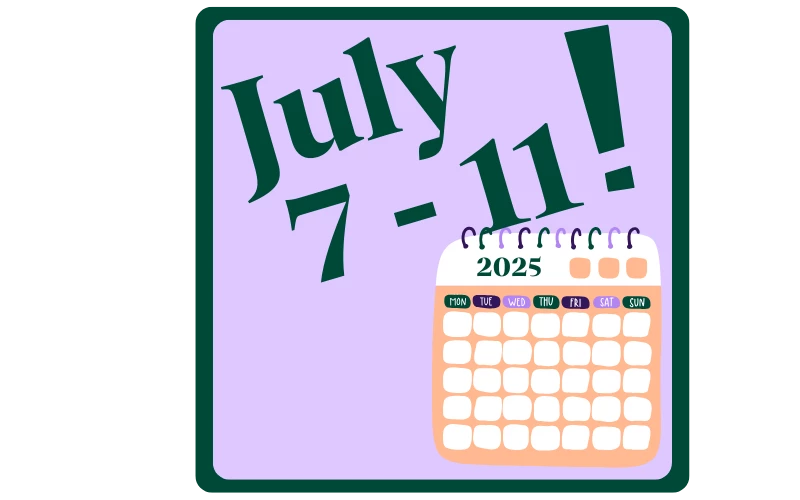
Hey Qrew, Hope everyone had a nice restful long weekend. Here’s what’s happening at Quickbase from July 7th–13th: 🌟 Featured Events: General Qrew Meet Up: From Good to Great – Unlocking the Power of Reports (July 9, 12–1 PM EDT) Join Nathan Call as he shares pro tips on turning basic app data into visually engaging reports that drive smarter business decisions. Perfect for anyone looking to level up their reporting game. Webinar: Will SaaS Sprawl Cost You Your AI Transformation? (July 9, 12–12:45 PM EDT) Discover how SaaS overload could be slowing your AI initiatives and what you can do about it. Don’t miss the latest research and practical solutions1. 🌟 Bonus Event and Activities: Quickbase University Launches New Experience July 14th!Click the link to learn more about how it will change next Monday. Take this mid-year community survey We are always looking for ways to improve and bring more value and fun
Hi All,I have three tables. First is basic information, where people are marked as type A, B, or C.Second is the question bank table, containing all the questions for them. There are two columns for weight. If they are type A or B, they will see the column "weight - A or B", but if they are type C, they see the column "weight - C"Every time I create a new person record in the first table, I want to pull the questions and corresponding weight from the question bank to another table. I have created a pipeline (search records - add a bulk upsert row) to pull all the questions, but when it comes to the weight, how could I pull the corresponding weight based on their type? Thanks!
Hello Qrew! EstherLaVielle , Maria , and I are always looking for opportunities to enhance The Qrew experience. As such, mid-year is a great time to examine where we are with our programs and what we can do differently to improve. Please take a few moments to answer a few questions about our Community, The Qrew, via the below survey. SURVEY Thank you to each and every individual who makes this Community what it is. From our amazing customers, our devoted partners, and our passionate staff, we all bring something different to The Qrew. I'm looking forward to seeing this Community continue to grow and flourish. -Ben
I built this summary report and need help filtering out duplicated clients. This report is built on the "Case Clients" table that is the many-to-many table connecting "People" to "Cases". I need this report to only show unduplicated people within each column. I have not used Help!
Join us! July 9th at 12pm EST Quickbase's own Nathan Call will bring hisEmpower '25 presentation live to the Qrew!
I'm getting this error when trying to refresh my connected table. I have no clue what I need to do to fix it. Help please. The error was: You do not have permission to import into the table. QuickBase API error: Insufficient permissions. Tracker ID: [4c5jvdi5z922]
I would like to have a pipeline condition where nothing happens if the current time is less than or equal to 30 seconds from the value in a given field, which is a date/time field. I have tried multiple variations of jinja code and mostly get the error message:Validation error: Incorrect template "whatever my jinja is". ValueError: invalid literal for int() with base 10: 'my_date_time_field_name'I have tried subtracting and converting the time.now and my field to an integer before comparing to 30 for seconds, I tried using time.delta(seconds=30) and adding it to the date field then comparing it to the current time, and some other things. I get the above error each time. I would really like to do this with Jinja, if at all possible. If anyone can help, that would be greatly appreciated. I know, worse comes to worst, I can add a helper field and just work off of that, but I am doing this for learning purposes. Thank you in advance to anyone who can help.
Do you want to remove the native Save/Cancel buttons on new forms or new mobile forms?Add &ifv=1&hs=1 to the form URL.They must be used together for it to work and this work in Edit mode.Note: It must be ifv=1 — other values like ifv=10 won’t work with hs=1.
i set up a report that lists each vendor and what states they checked off for service area, they are checkboxes, i don't know how to make it group all vendors that service alabama, all vendors that service alaska, all vendors that service arizona, etc...my ultimate goal is to create a search widget that will filter by service areai inherited this app and it was seriously lacking. i'm new to creating and working on app setups. i have taken the intro to app building and intro to pipelines courses so that i could make some changes and i just can't figure this out.
I am not a fan of Pipelines. I miss Automations. I used to be able to build an Automation in like 30 min and it did what I wanted. I've been working two days to build this Pipeline, even using the AI to do the framework, and I get nothing but errors or issues like this one.The intent of this pipeline is, if a record is created/updated in one app, it will look to see if there is a matching record in another app. If there is a matching record in the other app based on a site # & uniquely created identifier, it will update any modified changes in the second app. If there is not a matching record, it will create one in the second app.After tweaking several different things, I finally got it to create the record. At first, it was saying it was finding a record that matched the criteria despite no record being present. But now, whenever it does the search for a "Matching Record" based on the criteria I asked it to look at (site & unique identifier), it continues to have a FALSE findi
Already have an account? Login
Enter your E-mail address. We'll send you an e-mail with instructions to reset your password.