















Qrew EXCLUSIVE: 50% Off Camp Quickbase 🏕️
Community categories
Recently active
NOTE: THIS BLOG WAS AUTHORED BY BrianCafferelli , BUT DUE TO TECHNICAL CHALLENGES, BRIAN WAS NOT ABLE TO PUBLISH. Companies around the world run time-sensitive, business-critical processes on Quickbase. And one of the ways this streamlines how you manage critical information is through our built-in email notifications. The ability to send alerts to the right people at the right time ensures that your team stays productive. We’ve upgraded much of the user interface across the Quickbase platform recently, such as reports and forms. And the next step in this journey is simplifying emails and making them more flexible. We’re proud to announce that we have re-built emails from the ground up. We are providing a new and modernized experience that supports new forms, allows you to pick the time of day an email is sent, and more. Read on to learn more what’s possible using new email notifications. Using new forms and notifications together We recently rolled out a new v
I am wanting to place an image on a form. I have many forms and each version may have a different image. I was wondering if it is possible to set a Multiple Choice field to a specific value using the URL the user clicks on to open the form? My thought is that if I can set the field to the correct value then I can determine which image to show on the form based on the field value that has been set. Is there a better way to accomplish this?Thanks,Brian
Anybody have a best practice on using the 'Mention' feature in a log rich text field?My use case is: A rich text field w/ log edits turned on is used as a collaboration tool for team members to provide updates and ask each other questions. They mention each other in the comments and receive an email when they have been mentioned, via the handy 'send to users @mentioned' feature in the new notifications (see image below).However, when the 'Log edits' setting is turned on, Quickbase will email ALL the users who have ever been mentioned, when really we want just the person/people who were mentioned in the most recent comment. My workaround for this is to create a formula field to parse out the most recent comment and then a webhook or form rule to enter this value into another rich text field, with the @mention feature turned on. This last rich text field is used in the 'To' setting of the notification.This is a lot of work to simply use the mention feature! Is there a better way to
June is heating up with many Qrew events and activities to fill your days with learning new tips while connecting with other builders and admins. This month we’ve got four virtual Qrew Meetups coming up with brand new topics and a hands-on training opportunity. App Builders Qrew Meet UpJune 10, 2025 | 12:00–1:00 pm EDT – Register hereJoin Nichole Braswell, Quickbase Developer at Sympo, to discover an easy way to manage multiple forms for a single record with just one button. Plus, Lyla Rozelle, Sr. Product Manager, will give a quick tour of the updated admin console account summary page, and Ventsi Tasev, Group Product Manager, will share the latest on Audit log feature updates. Cascading Permissions – General Qrew Meet UpJune 11, 2025 | 12:00–1:00 pm EDT – Register hereJoin this Empower encore Qrew Meet Up with Lauren Molino, Director of Advanced Solutions Services, for a hands-on, follow-along session where you'll learn how cascading permissions can help you control access across yo
Hi allWant to share my solution on how to create running totals for charts. QB does not support running totals for charts, only summary reports.QB Junkie has a really good solution to create running totals using the query formula but as stated in her video it only works with small data sets and it is really memory intensive.QB has posted a solution to use the report API function to build a new running totals table from a summary report but I found this to be even slower and it does not give the user live updates.I use own table relationships that allows me to chart large datasets quickly and live. Below is an example of this application but I use this for many other data sets that do not use dates so do not get stuck on the dates table step.Create a dates table.I made the key a text field so that i can create the reference field. Record ID is also an option but a bit harder. My key was "<date>-<project no>"Create an own table relationshipI use pipeline's Make Request action
Does anyone use the Sage intacct Sync? If so, was wondering if you have ever tried to sync the Record URL field. It is the only field that comes through with no data. Wondering if others have seen this behavior and have a fix.
I have a pipe line set that manages my calendar installs to a google calendar.It has 3 pipelinesNew install are addedchanges in installs are updateddeleted install are deleted.The path flow work great but the dates are not correct.Here is the quickbase calendarHere is the Google Calendar:Start Date and End dates are date/time fields built with the following:Does anyone have any ideas why these dates are distorting by a day?
I am building a code page that will be connected to a button that a user will click in an app. I am trying to get away from using the Quickbase client that uses the old XML API (var qdb = new QuickBaseClient();) and use the RESTful API instead. How do I get authenticated without storing a user token or having the user pass a user token in? Using the old method it seemed to just automatically authenticate based on whatever user was logged in. I never stored or passed in credentials or a user token to use the old client, but it seems like the restful API gives me a 401 authentication error unless I pass in a user token.Can anyone shed any light on this issue?------------------------------Steve Wellauer------------------------------
Hellos,In this simple video we learn how to identify orphaned children records where parent have been deleted OR identify deleted parent records from orphaned children (very mouthful indeed)Generally we create a pipeline which automagically deletes children records whenever a parent is deleted, in this case due to token expiry , we had tonnes of records where this was not happening .LOOM VIDEO
I have a client that receives donation inquiries via a webform that posts to Quickbase and sends individual notifications to the relevant client personnel. Their prior system was through their website hosting vendor, which sent an e-mail to a shared e-mail account. However, the vendor's e-mail protocol included a Reply-To header that allowed them to reply to the e-mail address of the donor rather than the generic notify@ account that sent the email.For those that are unfamiliar, email clients use the Reply-To header to pre-populate the "To" field when a user clicks "Reply." If the Reply-To header is not present, the client will typically default to the "From" address. As best I can tell, Quickbase's e-mail protocol and notifications do not support Reply-To, which is a major headache for this use case where I would like the Reply-To value to be the e-mail address of the donor submitting the form.Does anyone know why Quickbase does not support Reply-To or if it is on the roadmap?Also, wh
I am looking for help in importing a CSV file to a Company table that will check if the Company Name if it exists (text only as complete match) before importing.This pipeline imports company data from a CSV file into a Quickbase table. It checks if a company already exists before creating a new record to prevent duplicates.It fetches the CSV file (all+1300 rows) - This is test file and only has 3 rowsI receive the following error Validation error: Incorrect template "{{c.company}}". ValueError: invalid literal for int() with base 10: 'company'Attched are the pipeline stepsThank you, Eric
I need to create a form for hours tracking that MUST be completed by Tuesday Morning and want to send a notification for anyone who hasn't filled filled out the form. Is there a way to track not who has filled out the form but who hasn't? I am not certain of anything in QuickBase as I came from a whole different department before getting put in charge of this.
We’re thrilled to give a big shoutout to Chris Austin for attending our recent Quickbase Feature Focus webinar and being our door prize winner! Thank you to all who were able to attend! All registrants and attendees will receive the recording via Goldcast to your email. You can also rewatch the webinar on demand by accessing the events page. We are so delighted to see how enthusiastic folks were to learn about the new AI smart features and thoroughly appreciated the thoughtful questions and comments from the crowd. We can’t wait to see how you put these new features to work when they are available! Interested in joining the public beta to test out these features?Join here!
var text QUERY = "{9.EX.'" & ToText([Person Assigned]) & "'} AND {3.NE." & [Record ID#] & "} AND {11.LE." & [End Date] & "}AND{10.GE." & [Start Date] & "} AND{13.NE.'Completed'}"; var recordList overlappingTasks = GetRecords($QUERY);var number conflictCount = Size($overlappingTasks);If( $conflictCount > 0, "Not Available", "Available")I have used the above query to configure any existing records but the comaprison is not done in the way expected like the number 9 gets compared not the value like that in everything.
I'm trying to use"UserToName([Current PR Assigned], "LF"))", however if there is no user in the field, it comes back with invalid. How do I get it to just be blank if there is no user?I have tried this and it says expecting user but found text for the UserToName part.If([Current PR Assigned Is null]="yes",[Blank User],UserToName([Current PR Assigned], "LF"))Any ideas?
I wish to auto-populate a field from another field in another table, but am not sure if it is possible for our specific scenario. If yes, how would I accomplish it? I tried to create an action, but it doesn't work.The affected tables are 'Audit' and 'Scorecard' and I have parent/child and child/parent relationships setup because in each form we need to pull in some fields from the other table. For every Audit record, there will be only 1 associated Scorecard record, and vice versa. Ultimately, we will have multiple different Scorecard tables for different categories. Each Scorecard form will have mostly unique fields. In every Audit record, a Scorecard from only one of the Scorecard tables will be associated, depending on the category selected in the Audit record.I created an action where when a new Audit record is created, then a new Scorecard record is also created, and in the new Scorecard record, the related Audit record # auto-populates along with selected associated lookup fields
Hello Qrew! We’re back with this month’s edition of Certification Wins, where we proudly spotlight the amazing individuals in our community who’ve achieved Quickbase certifications this past April! 🌟 Each certification reflects your effort, curiosity, and commitment to building smarter. Whether you’ve just begun or are advancing through expert-level skills, this space is all about YOU. 🙌 🏅Certified This Month🏅 🟨 App Foundations DeShawnJones anagalingam 11013 HemaChennojwala KristaSibery laharms Mark MihirMulloth MolinaDavis RaviShankar1 RajeshGangji RBater SeanTori 🟧 App Builder JenniferPotter1 🟩 Expert Builder CassandraFrien1 RohitVuppuluri ShubhangiSingha Lakshmi_Hanisha 💡 Each name above represents hours of learning, practice, and persistence. Congratulations to all our achievers! 🌟 Featured Shoutout 🌟 🎉 This month’s spotlight goes to SeanTori, for their dedication and perseverance. A $25 gift card is heading your way — congrats! 📣 Join
I have three text lists as input:List A = [A, B, C]List B = [E, F]List C = [G, H]I want to combine these into a single text list as output, like this:[A, B, C, D, E, F, G, H]The output field is of type formula-multiselect. Could anyone please suggest the best way to combine these lists within a QuickBase formula?
Hello, I've inherited an app that utilizes radio buttons and now needs new questions added to the current numbered questions in the form. However, when I add these new radio button fields it is showing them as "answered" in the legacy records. I don't have a default set to these fields but somehow they are all defaulted to "yes" in the legacy records that didn't even have this question prior. Not sure how to remedy this. LB
Hello,How can i prevent a user from editing a record that another user has open in edit mode.
Can we download the report using pipeline into CSV format and push that as an attachment into another field
If you're new to being a Quickbase admin, start here! While it may feel like there is a ton to learn, the Getting Started Hub has you covered. This is how you start. We'll cover the basics, with account settings and Quickbase Navigation, and we'll leave you with the right resources you can bookmark to reference early and often throughout your time as a Quickbase customer. Do you know someone else in your company starting out on Quickbase? Bring them here! Consider this Step 1 in transforming your operations on Quickbase! Reference Materials These are the often used resources you'll have while learning Quickbase. Qrew Members have found these links helpful to save as bookmarks to reference. Glossary - Definitionsfor AdminsResourcesOnboarding Emails Account Set Up You and your team are eager to build an app, but wait! Spend some time in your first 30 days accomplishing these tasks to familiarize yourself with these essential areas. Also, click here for the attachment, Checklist for Ne
I've found that sometimes users prefer dashboards to multiple emailed reports. How can I email the users a dashboard page I have created that includes a couple of summary reports, a chart as well as one full report in an email subscription? Is this possible with native QB? If yes, where is the setting option? I'm only seeing a report drop down in subscriptions. I'm not seeing a similar option to select a page . Thanks in advance for any direction/suggestions.
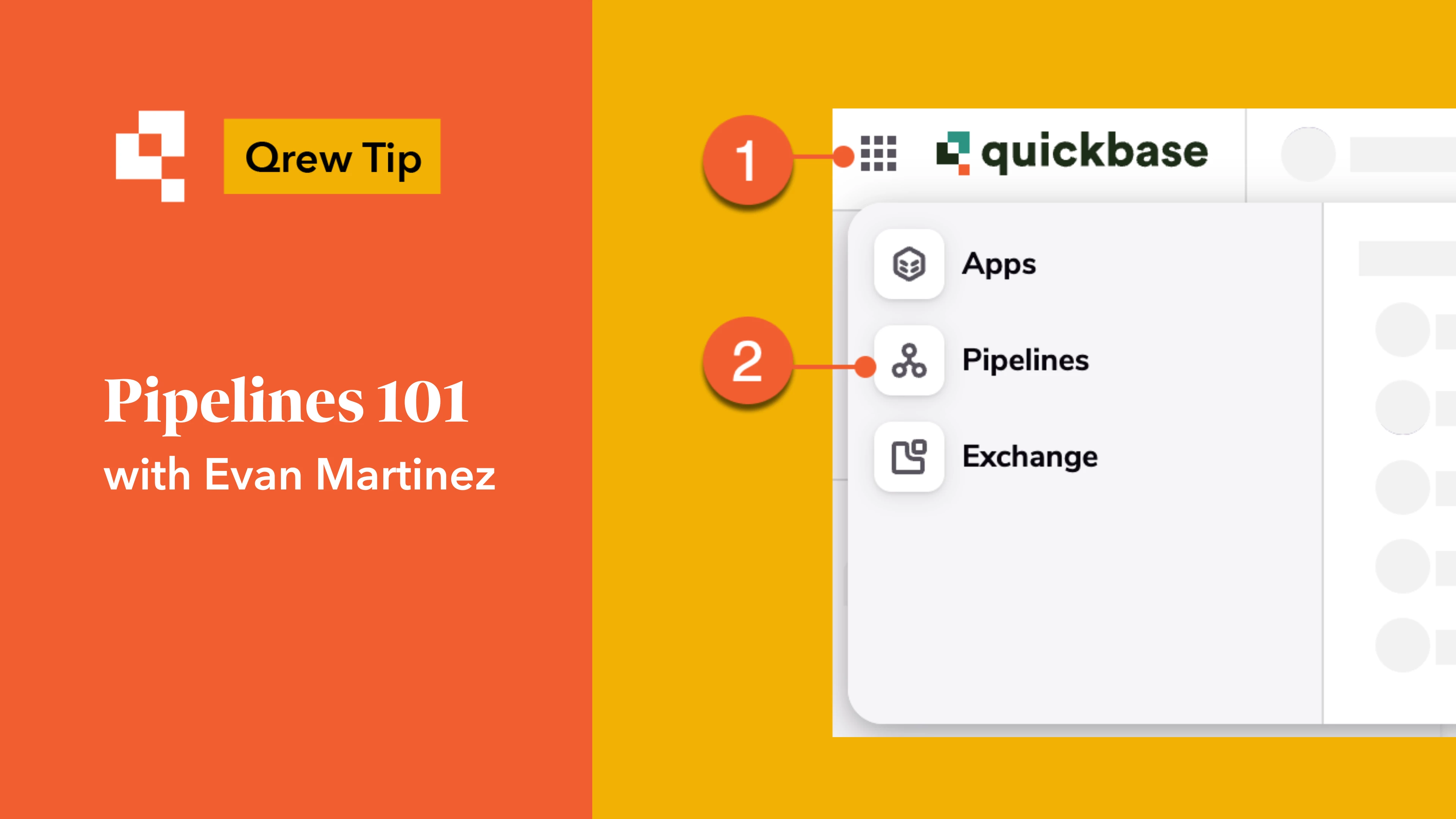
Whether you're syncing data between systems or automating onboarding tasks every time a new customer is added, pipelines are designed to save you time and reduce manual work. Key terms Knowing these terms will help you understand documentation and submit more specific support tickets: Pipelines: automated workflows for integrating systems or automating within Quickbase Channels: the systems you’re connecting with (e.g., Slack, Outlook, Quickbase) Steps: the building blocks of a pipeline. There are different types of steps, including: Triggers: events that start a pipeline (e.g., record changes, daily schedules) Actions: tasks the pipeline performs (e.g., create records, send emails) Queries: search steps to avoid duplication or check data before acting 💬 Are there any terms you would add to this list? Let us know in the comments! Types of pipelines There are three types of pipelines: Triggered: runs when an event occurs Scheduled: runs on a set timeline Manual: runs on demand o
Hi! I was wondering if someone could help with a possible formula question?I have in an app an employee master list. In that list the previous designer has a checkbox field called "Active" - If the employee is active it is check if not unchecked etc.My question is the default report that lists all of the employees shows a column that is the active field but I have to go into each individual employee record to uncheck active.Is there a way to be able to go down the list and uncheck all who are inactive right from that report?Thank you in advance!
Already have an account? Login
Enter your E-mail address. We'll send you an e-mail with instructions to reset your password.