




A confession: for a while now, widening the output panel made the panel wider and nothing else. The text stayed exactly where it was, like a cat that's been asked to move.
One of you pointed this out on Discord after our August post. Fair. It moves now.
Here's what else made October's list.
Knowing what's ready before you click
tweaked by
You open Add a step and scroll through the channels. Is Slack connected? Is Snowflake? The only way to find out was to click in and look.
And if a channel wasn't connected yet, setting it up meant leaving the step you were building.
Now the list starts with a Ready to use section. Channels you've already connected show a green Connected label, and channels that don't need an account at all show Ready to use.
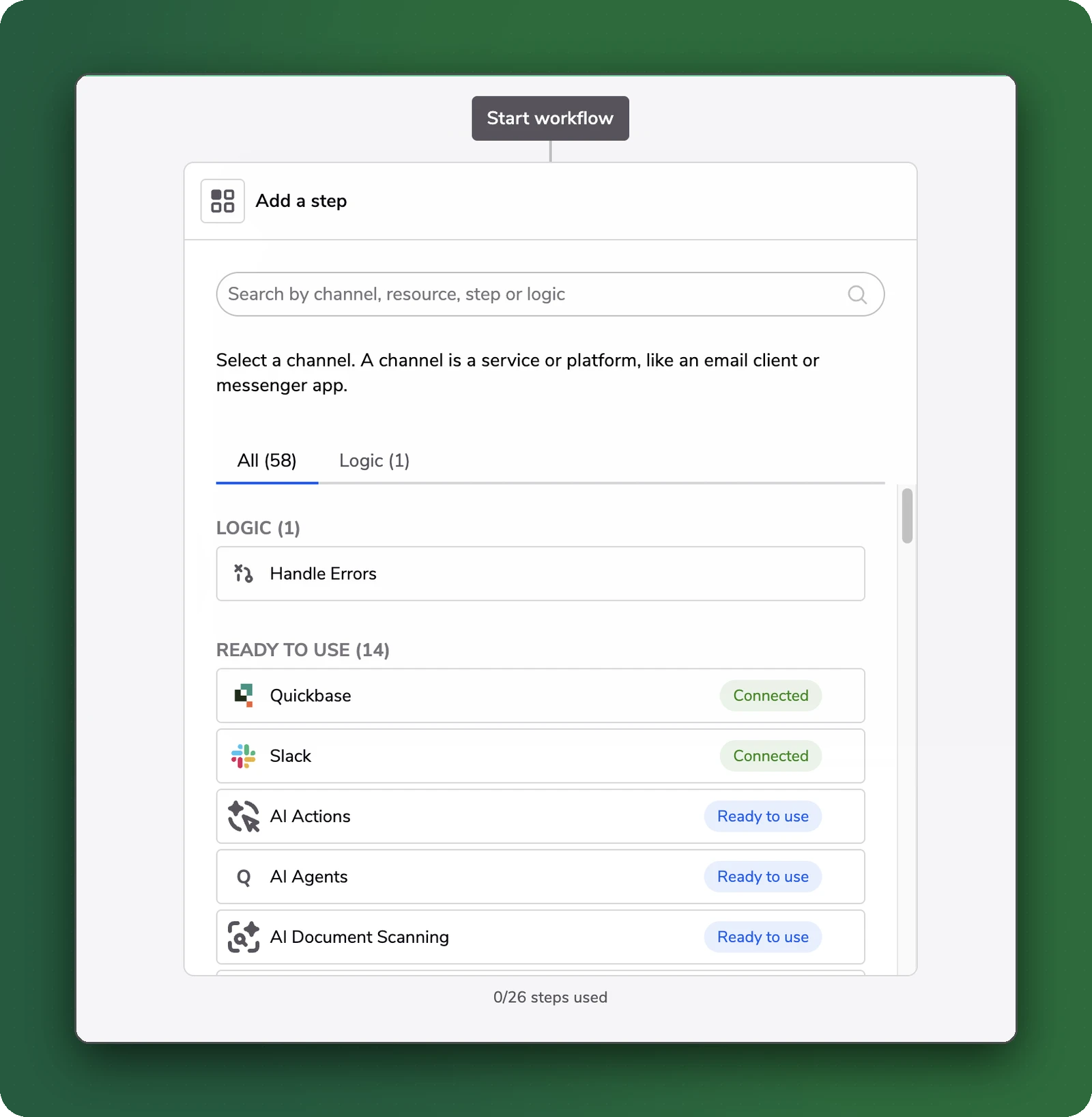
If a channel still needs an account, open it and click Connect. The connect form opens right inside the guide, and when you're done, you land back on that channel's steps.
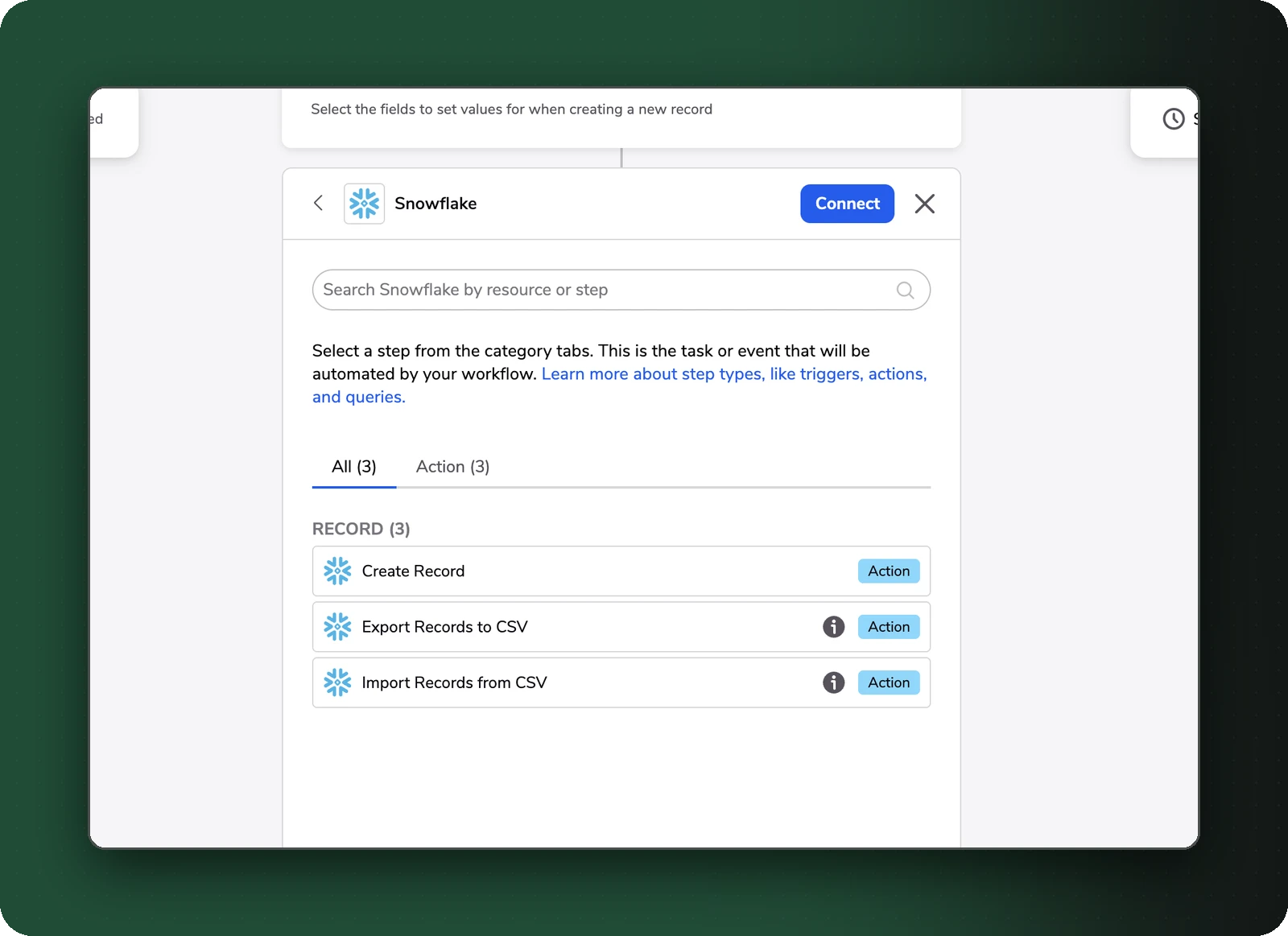
Search got a little smarter too. You can now search by resource name, and typing a channel name followed by a term, like "quickbase bulk", searches only within that channel.
Finding the pipelines behind a table
smoothed out by @DzhemSS
You're about to change a field on a table. Which pipelines will that affect?
Until now, answering that meant searching My Pipelines and opening pipelines one at a time.
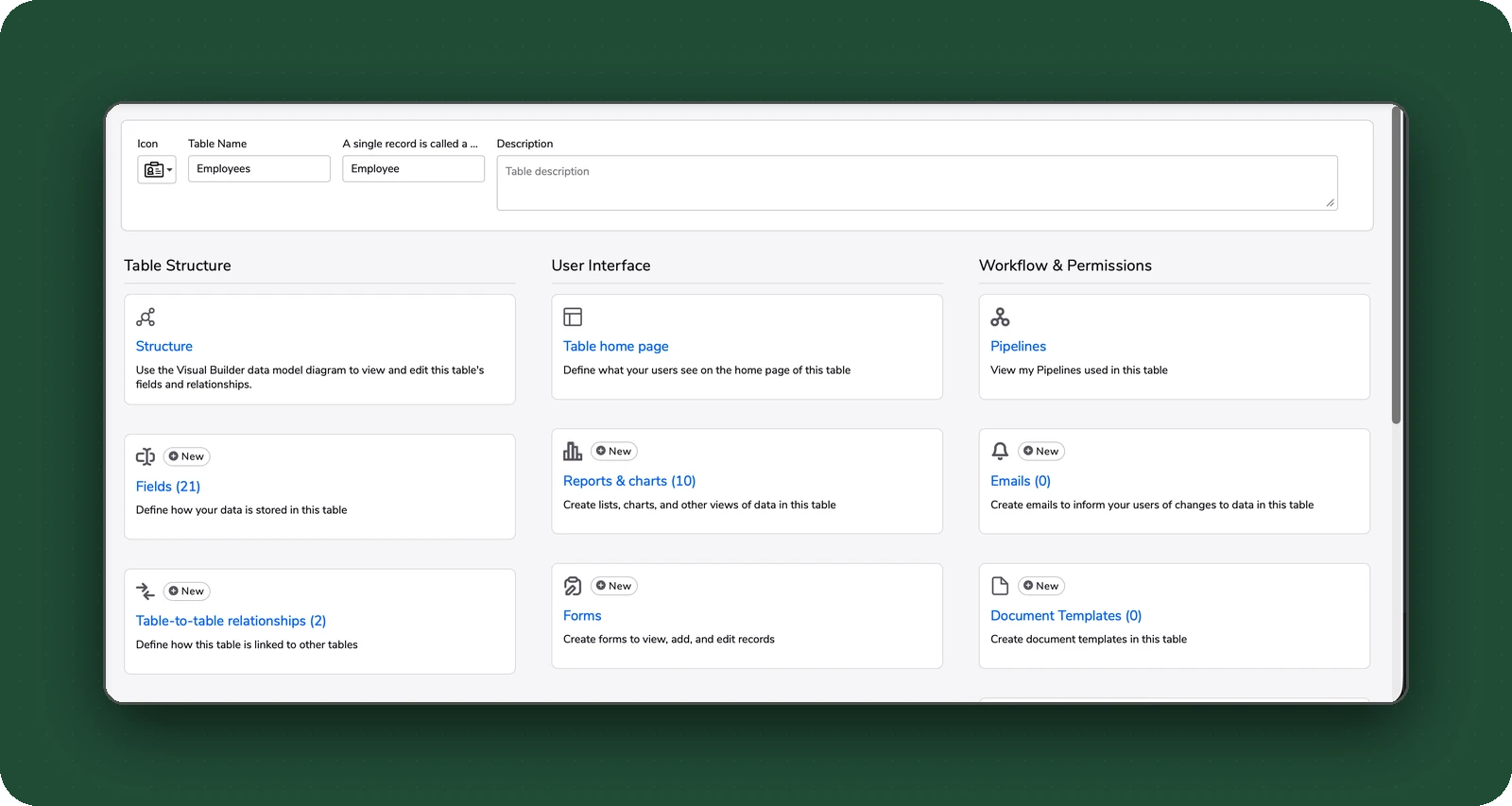
Table settings now include a Pipelines card under Workflow & Permissions. Click it, and you'll see your pipelines filtered to the ones that use that table, including pipelines whose trigger points at the table without using any of its fields.
If a channel still needs an account, open it and click Connect. The connect form opens right inside the guide, and when you're done, you land back on that channel's steps.
Using the space you gave it
polished by @PavelGrigorov
When a run's output is long, the natural move is to widen the panel. Previously, that didn't help: values kept wrapping at the old width, leaving half the panel empty.
Before
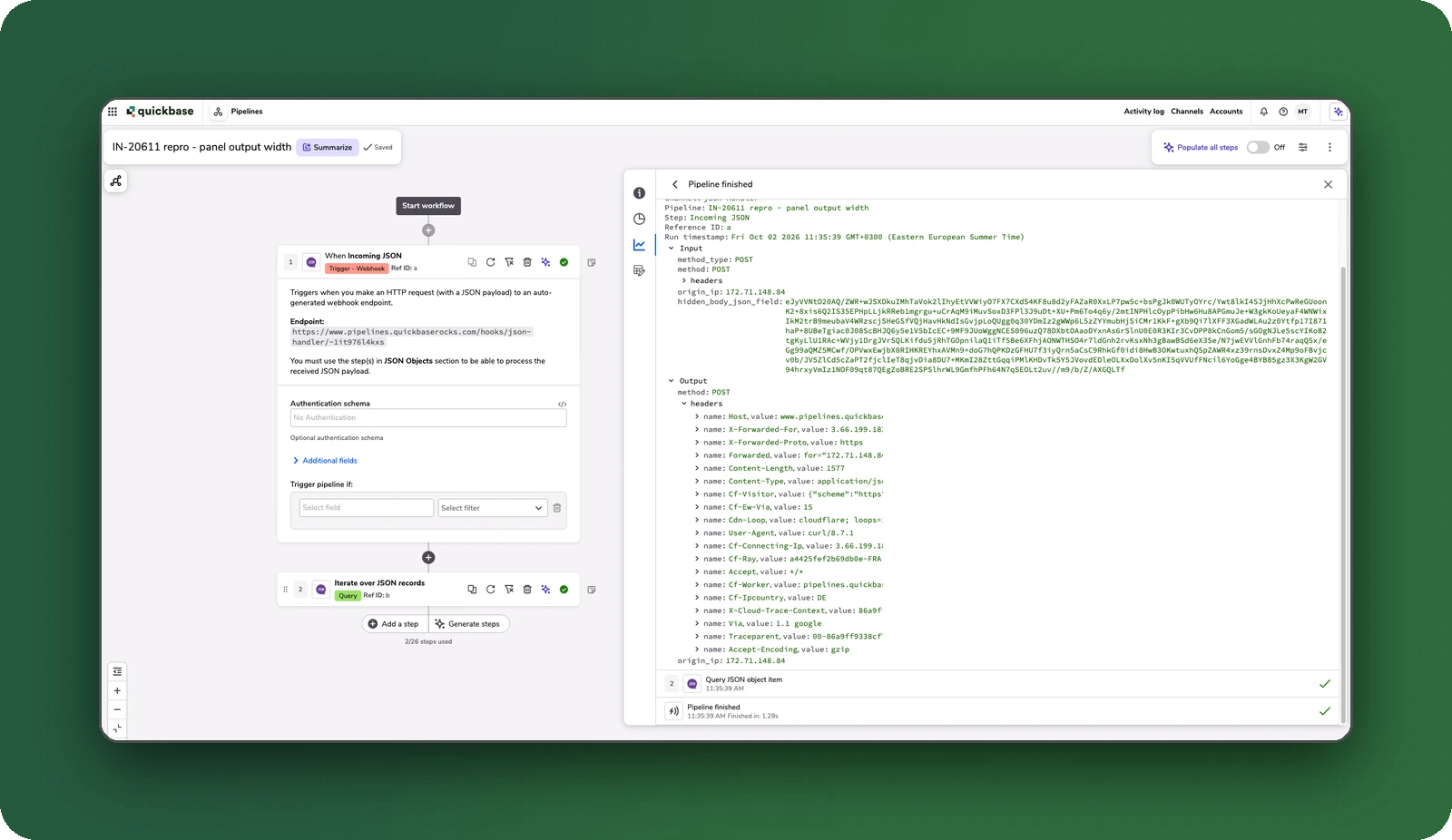
After
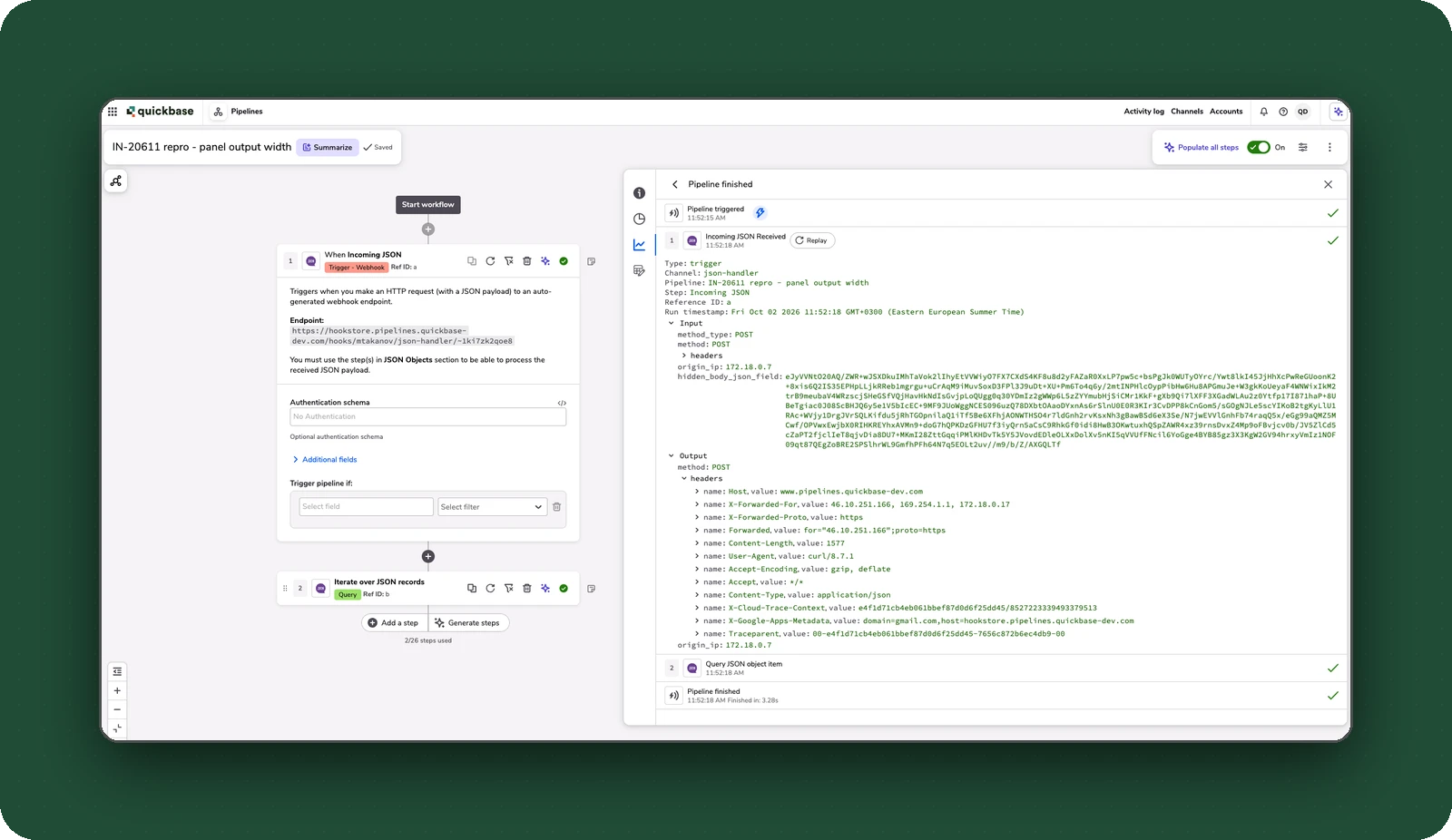
The Activity log had the same problem, with long values cut off partway across the page.
Before
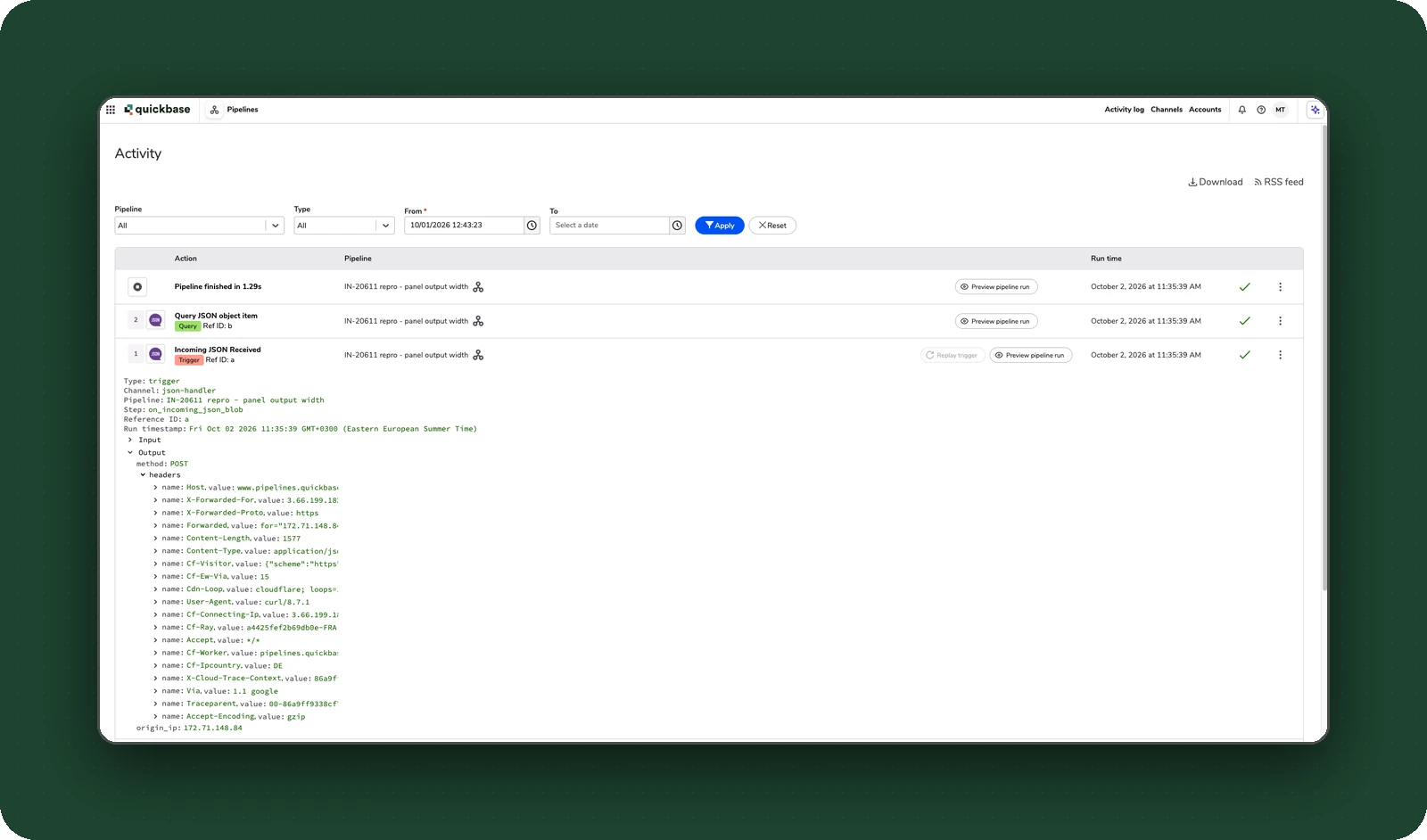
After
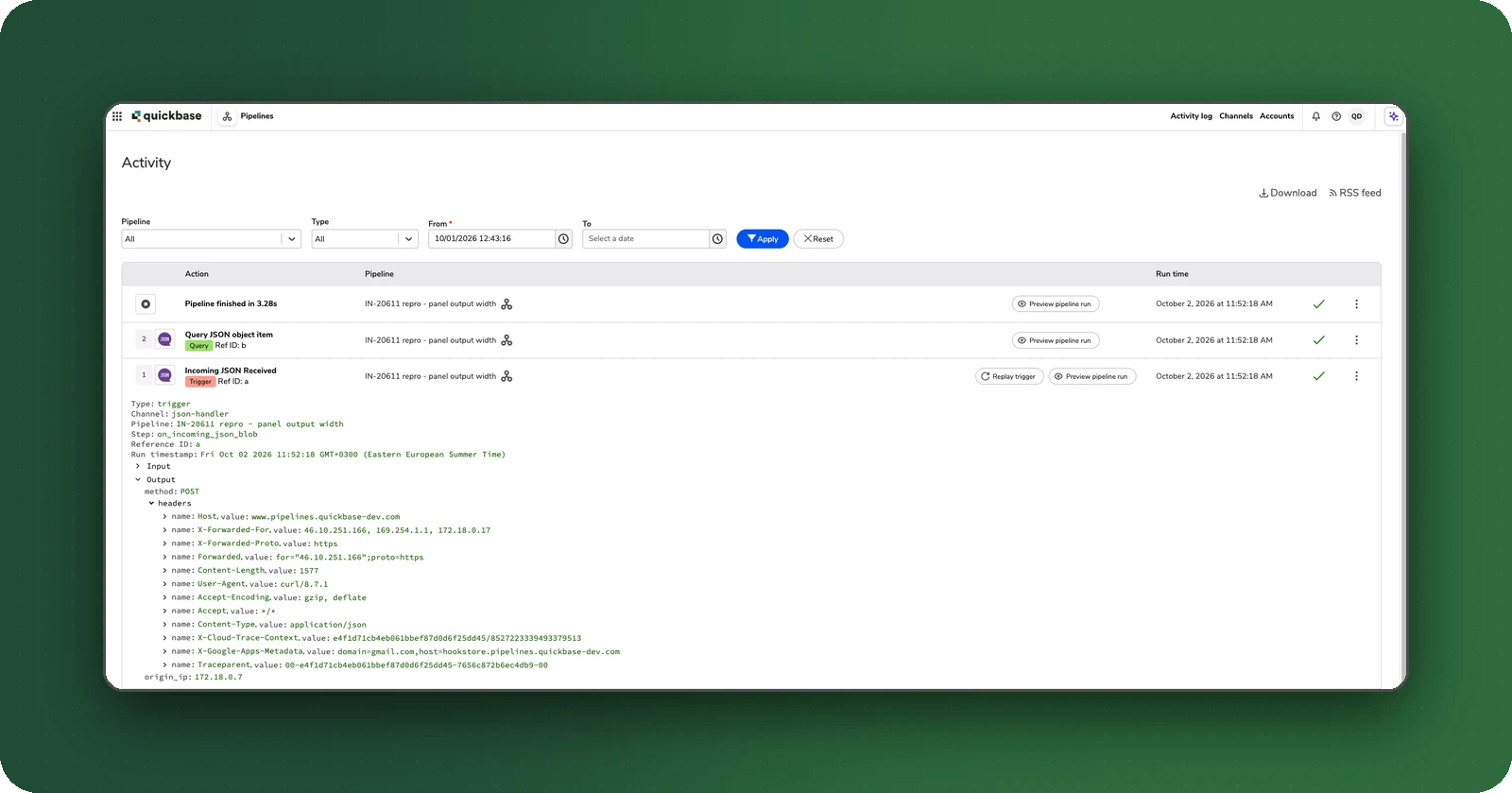
Now output values reflow to use the space that's available. Thank you to the community member who spotted it.
A few other things we fixed
Not every improvement needs its own section. This month we also:
- Moved the AI actions in the pipeline header into a single AI menu, which gives long pipeline names the room they need. Shipped by
@DelyanSpasov
Before
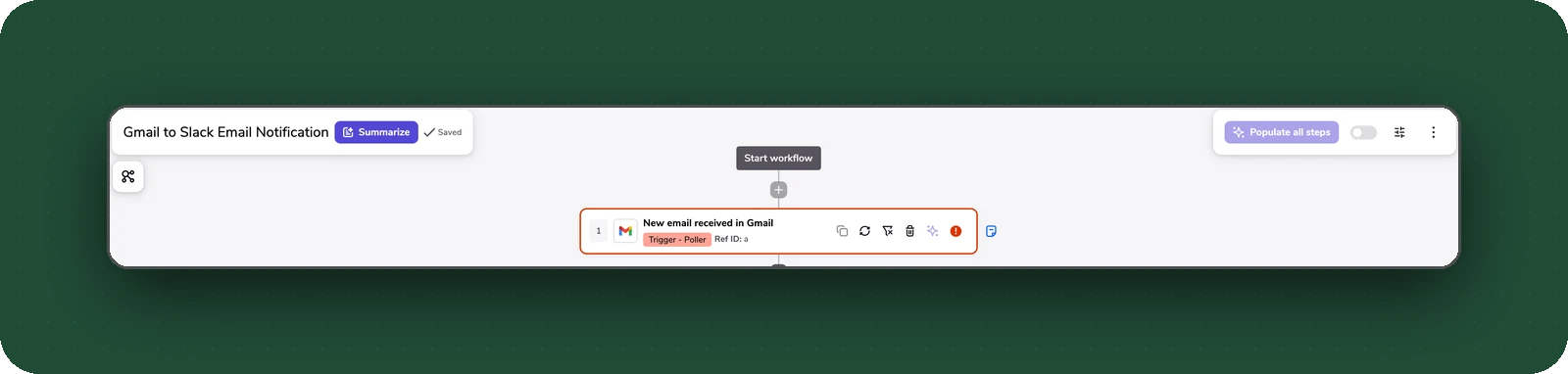
After
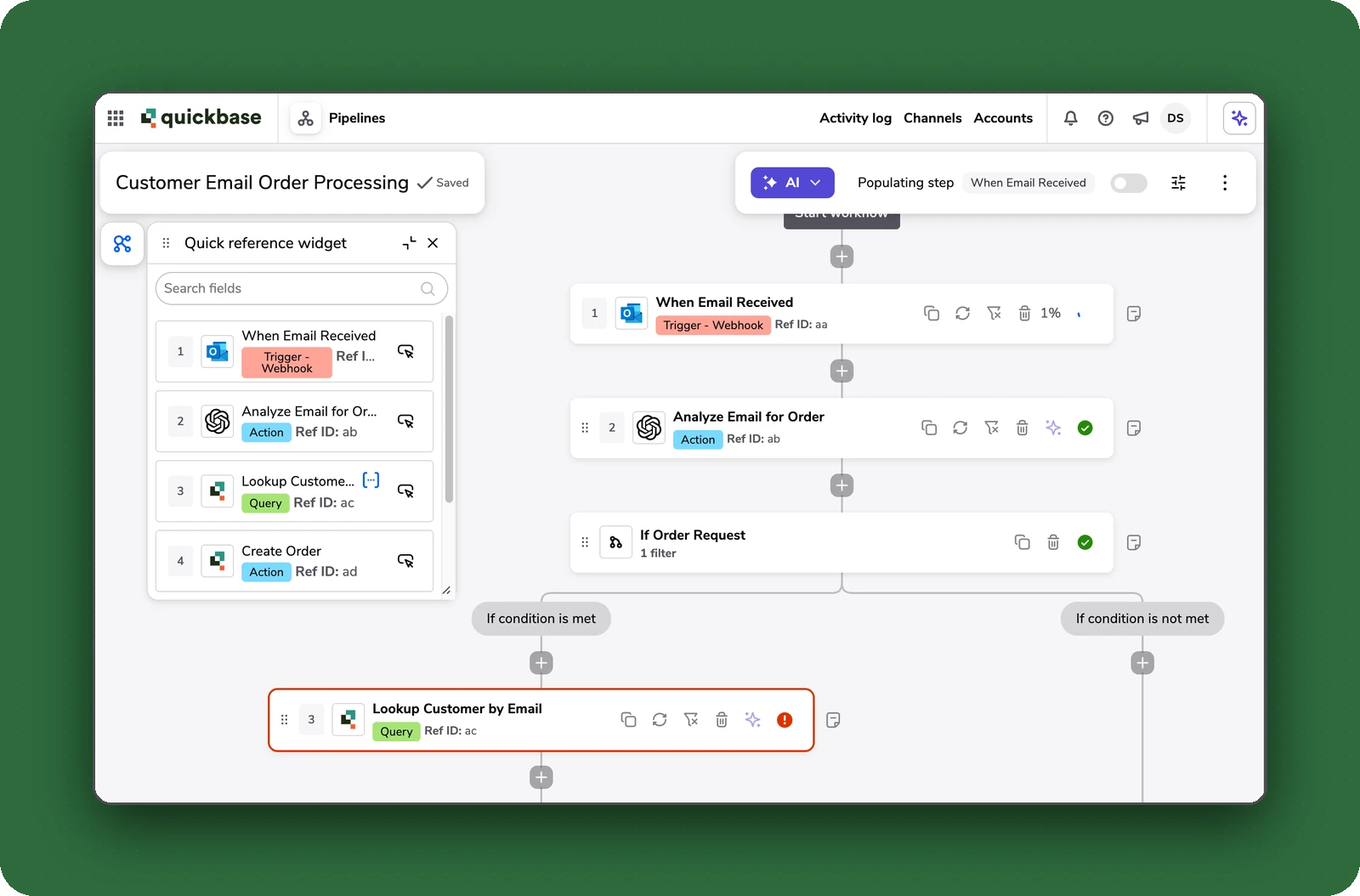
- Added step reference IDs to the reference dropdown, so similar steps are easy to tell apart when you insert values from earlier steps. Shipped by
@GabrielaGospodinova
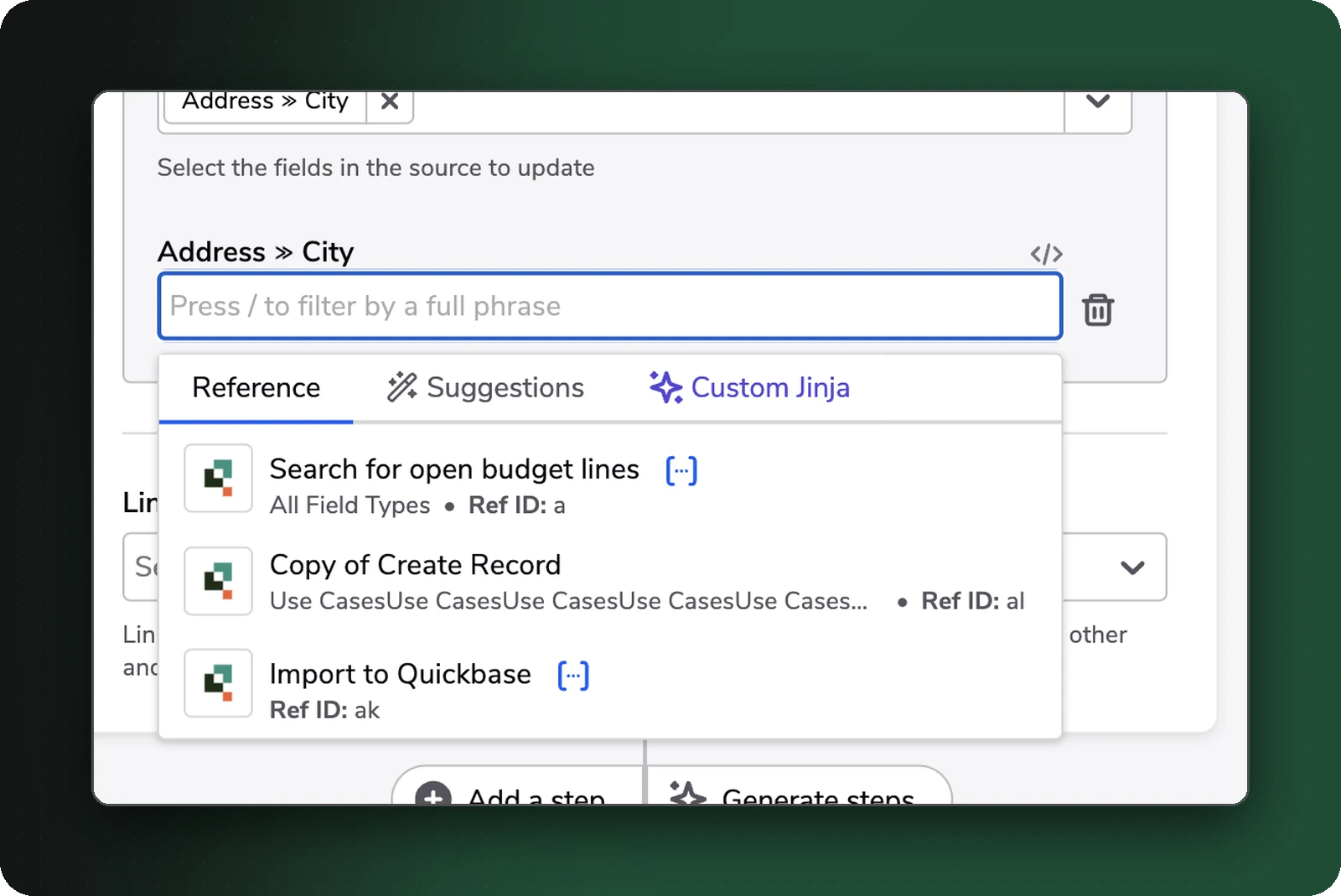
- Kept your canvas position, zoom, and expanded steps in place when you refresh the page. Shipped by
@rmilushevqb
Your turn...
I want to hear from you, really! In the comments, tell me the one small thing in Pipelines you'd like to see fixed. This is how the output panel fix got on our radar. Your idea could be in next month's post.
