Forum Discussion


MarkShnier__You Qrew Legend
5 months agoQrew LegendI'm not sure if you want to trigger an email for every project so I will assume for example, that only projects with tickets meeting some criteria are deserving of causing the project to be emailed. So my suggestion is to create a summary checkbox field on the relationship between projects and tickets to indicate whether the project has tickets which are deserving of being emailed.
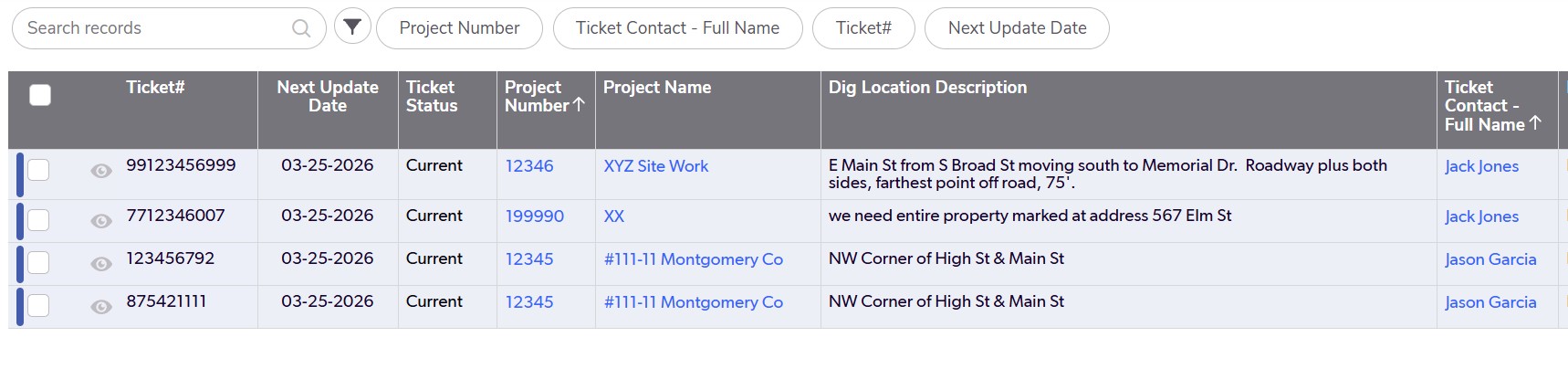
Then you could set up a special form for the project which only has an embedded report of tickets which are deserving of peoples attention.
Set up an email notification on Projects to Fire when a field called [date time to trigger email] is changed.
Then you can set up a Pipeline to run at 4:00 every day, which would search for projects which have tickets deserving of being emailed and populate a [date time to trigger email] field with the current date time. You can put this Jinja {{time.now}} into the field to set the current date / time .
Now, when you say every day, you probably don't actually mean the weekend so one way to control that is to make a helper field on the Projects table notification to indicate whether today is a weekend
DayOfWeek(Today())=6 or DayOfWeek(Today())=0
and put in a notification filter not trigger the email on the weekend.
 811locate5 months agoQrew Member
"Then you could set up a special form for the project... "
Would I need to set up a special form for each individual project? And then continue to set it up for future new projects as well?
- MarkShnier__You5 months ago
No, you did not set up a separate form for every project. I'm assuming that you have a project table and each project has many activities. So what I'm suggesting is that you email the project record and when the user views the project record, they will see an embedded report of the activities. I was just suggesting that if the project record is complicated or long, you might want to dedicated smaller form for this email, but that's up to you.