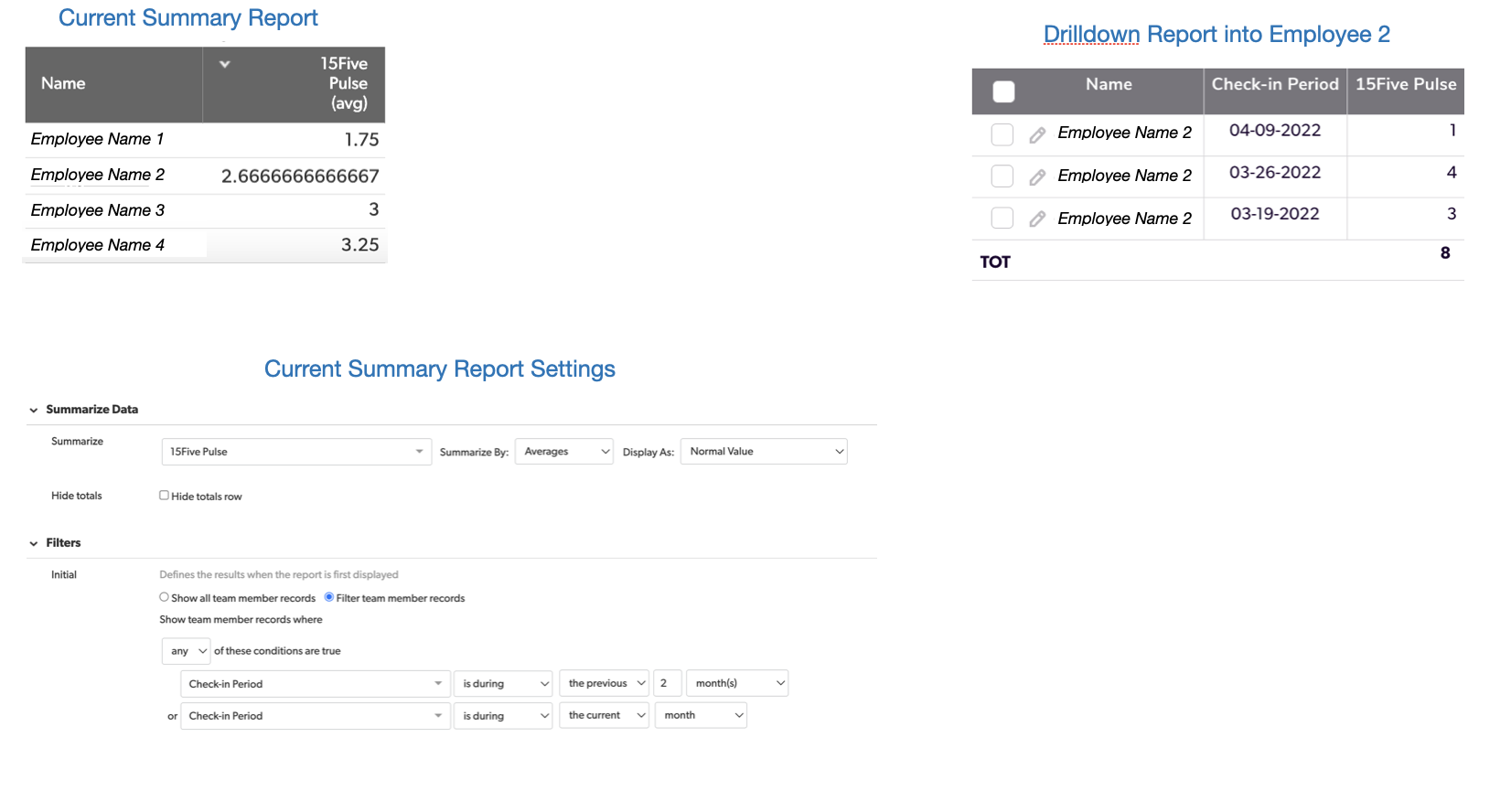
Hey Deepak, unfortunately you can’t filter a summary report based on its own calculated summary columns (like % of total) because those values only exist after the report is generated. The filters run first, so there’s nothing to compare against. The workaround is the same pattern as described above: move the summarization into the table level, then filter on it.
In your case, you'll need another table, then create a numeric summary field on Prompt table’s relationship (summarize the number of prompts in each Category). Then push that summary back down as a lookup field. Once the count and percentage exist as actual fields in the table, you can create a normal table report, sort by your percentage, and easily show the top ten or whatever cutoff you want.
Hope this helps!